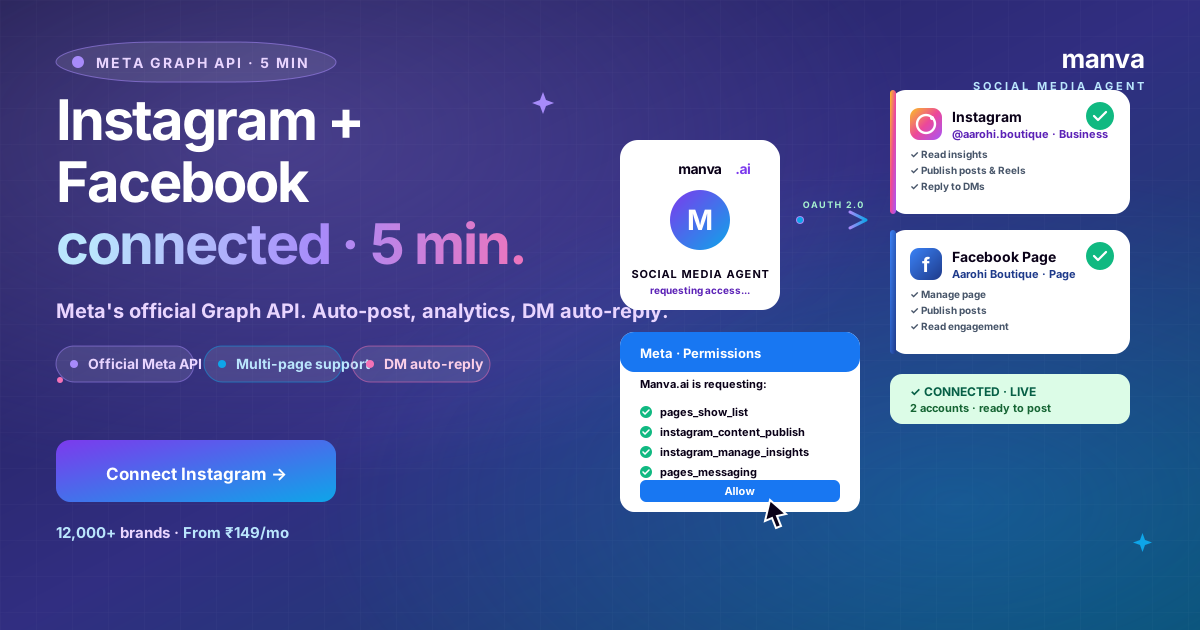
Connecting Instagram and Facebook to Manva takes 5 minutes — once you know the order to do it in.
The connection uses Meta's official Graph API. That means your followers see native posts (no "via Manva" attribution), Manva sees real analytics, and DM auto-reply works.
Two things to fix before connecting (covered below). Then 3 steps. Then you're posting.
Two prerequisites before you start
- Instagram must be a Business account (or Creator). Personal accounts cannot be connected by any tool — Meta blocks it at the API level.
- Instagram must be linked to a Facebook Page (not a personal profile). Most accounts are missing this; it's the #1 cause of connection failure.
Both are free, takes 60 seconds each. Steps 1 and 2 below.
On the Instagram app: Profile → ☰ menu → Settings & privacy → Account type and tools → Switch to Professional → Business.
Pick a category (e.g. Clothing Brand, Beauty, Food). You can change it later. Skip the contact buttons step if you want.
That's it. You're now Business. No charge, no review.
Still on the Instagram app: Profile → Edit profile → Page → Connect or create.
Important: connect to a Facebook Page, not your personal Facebook profile. If you don't have a Page yet, create one (also free, 60 seconds — Facebook → Pages → Create).
Manva → Settings → Channels → Connect Instagram.
OAuth opens a Meta dialog:
- Choose the Facebook Page you connected in Step 2
- Choose the Instagram Business account linked to that Page
- Approve the requested permissions (4-6 scopes — explained below)
Click Allow. Manva returns to the Channels page; both Instagram and Facebook show Connected ✓. Your first post can ship in the next minute.
The Social Media Agent runs everything once connected
AI Hindi/Hinglish captions, IST scheduling, festival calendar, DM auto-reply, repurposing. From ₹149/month with a 7-day free trial.
Try free for 7 daysWhat each permission unlocks
Meta's OAuth dialog lists every permission. Here's what each one does — Manva uses them only on the accounts you authorise:
pages_show_list— lets Manva see which Pages you manage so you can pick one. Read-only.pages_read_engagement— reads analytics from your Pages (likes, reach, demographics).pages_manage_posts— publishes posts to your Page on your behalf.instagram_basic— reads your Instagram profile info.instagram_content_publish— publishes posts and Reels to Instagram.instagram_manage_insights— reads Instagram analytics.pages_messaging(optional) — needed for DM auto-reply. Skip if you don't want DM features.
Manva cannot post to accounts you didn't authorise, and cannot read DMs unless you grant pages_messaging.
Common errors and fixes
"This Instagram account is not a Business or Creator account"
You're still on Personal. Switch to Business via Step 1.
"No Facebook Page found linked to this Instagram account"
Step 2 is incomplete. Link the IG to a Page (not personal profile).
"Insufficient permissions" / first post fails
You may have unchecked one permission during OAuth. Disconnect from Meta Business Settings (business.facebook.com → Business assets → Apps → Manva → Remove) and reconnect, allowing all permissions.
"Token expired"
Meta tokens last 60 days. Manva auto-refreshes, but if you didn't log in for >60 days, reconnect once. Future logins maintain the token automatically.
"Cannot post Reels"
Reels require instagram_content_publish AND your Instagram Business account to be at least 1 day old with at least one organic post. Brand new accounts have a 24-48 hour API delay before Reels can be published via tools.
FAQ
Connect Instagram + Facebook in 5 minutes
Manva's Social Media Agent — Meta Graph API, AI Hindi/Hinglish captions, IST scheduling. Free trial, no card.